
EstateAI Guides
Client Share Links for Real Estate Photos: A Least-Access Checklist
Share only the property photos a client needs to review. Verify who can open the link, what they can see, and how access should end before you send it.

Before sending a client review link, decide who should open it, which images they need, and what they should be able to do with them. Then open the link as a recipient, not as the project owner. If the wrong person can see the gallery, or the right person can see more than they need, change the setup before sending it.
This is the principle of least access: give each reviewer the smallest useful view of the property. A client may need to compare two staging options. That does not mean they should see the full shoot, the owner dashboard, or files prepared for a different audience.
Cover illustration: A real estate media editor reviews a property photo gallery on a laptop. The interface is illustrative.
Decide who needs access and why
Write one sentence before creating the link: “The listing agent and seller need to compare two living-room options and pick one.” The sentence tells you who gets the link and what goes into it. If a broker needs to approve advertising disclosures, that may be a separate review with a different selection. Do not grant a whole mailing list access just because one person on it needs to see the images.
Match the sharing method to the sensitivity of the photos. If only named people may view a set, use a method that verifies their identities and test it with a permitted and a non-permitted account. If the interface says anyone with the link can open it, treat forwarding as possible. An unlisted or hard-to-guess link is not the same as an identity check. If you cannot confirm the access behavior, do not use that link for sensitive material.
Keep the review selection narrow
For a staging comparison, share the two candidates and the unedited reference if it helps the reviewer judge what changed. Label each version plainly. Keep rejected outputs, unrelated rooms, and internal notes out of that view. Look at the actual photos too: a family photo, entry code, or visible document can be just as sensitive as the files you excluded. Replace an unnecessary image with a suitable alternative rather than expecting the reviewer to overlook it.
The EstateAI workflow for real estate photographers explains how to review, select, download, and share approved media from one property record. The day-to-dusk photo workflow also describes comparing versions, selecting favorites, and creating a curated share link. A curated selection controls which images you include. Before sending, check and test who can open the link and what they can do with it.
Test the link from both sides
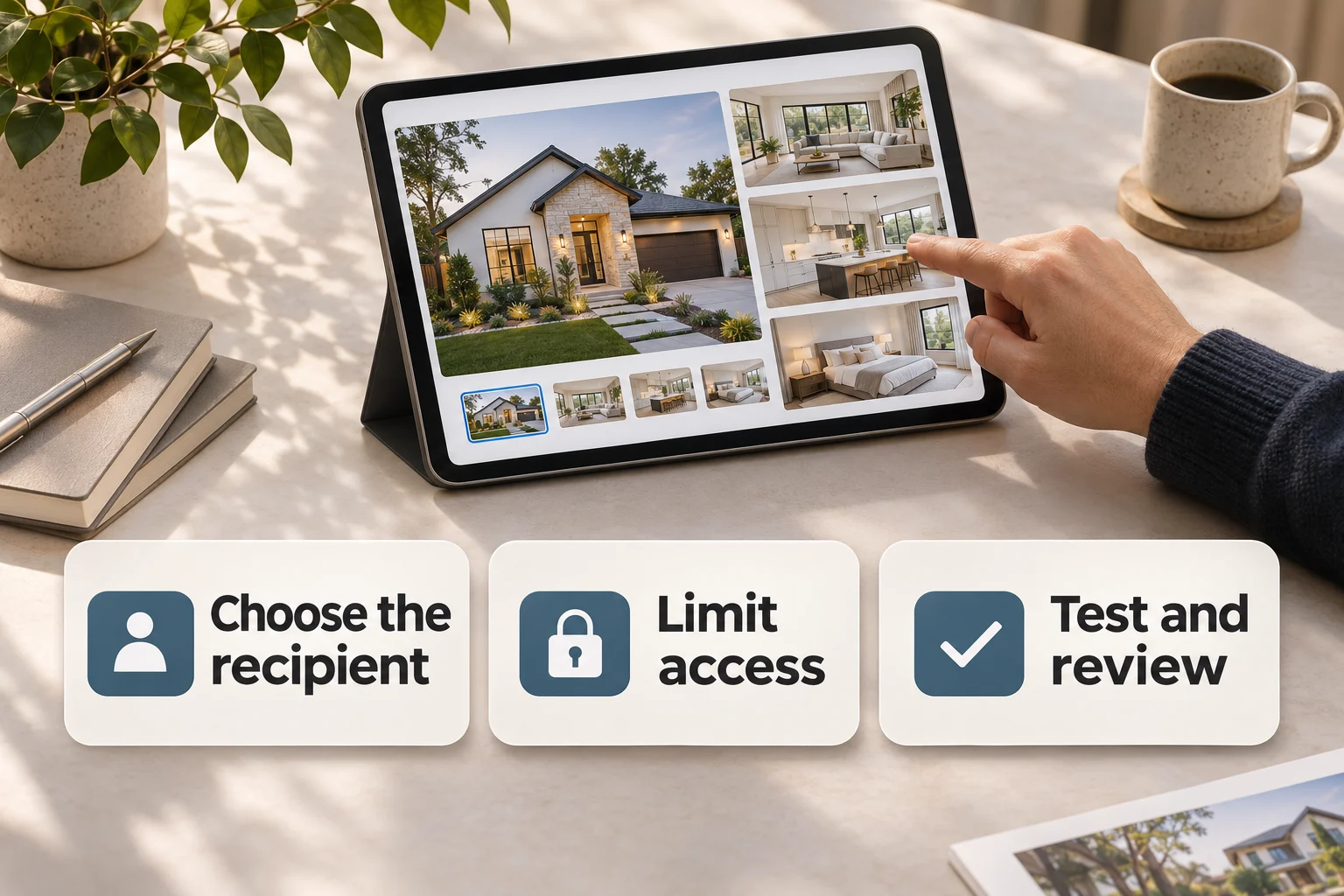
- Try without your owner session. Open the link in a private window. If it requires an account, test with an authorized reviewer account instead. Confirm the client receives what you intended, not an owner-only screen.
- Test the boundary. For a named-recipient link, check that an uninvited account cannot open it. Do not assume a link is view-only: look for visible download or sharing options and test relevant controls using an approved reviewer account.
- Check the landing view. Confirm the property label, image count and captions. Look for unrelated media or private notes. If downloads must be disabled and you cannot verify that setting, choose another method. Even if no download is offered, a viewer may still capture the screen.
Decide what happens after review
Give the review a clear deadline and name the person responsible for checking access afterward. If your sharing tool offers expiration, revocation or changes to named access, verify the relevant control in the actual interface and test its effect. If you discover that a link went to the wrong person, do not assume sending a replacement makes the first one stop working. Check the old link again as a non-owner, and follow your team escalation process if exposure is possible.
Keep approval and publication separate. An agent selecting a staging option does not itself authorize forwarding it to a buyer or publishing it to a listing service. Share the correct version with each audience only after the corresponding approval. For the image review itself, use the EstateAI photo quality-control checklist.