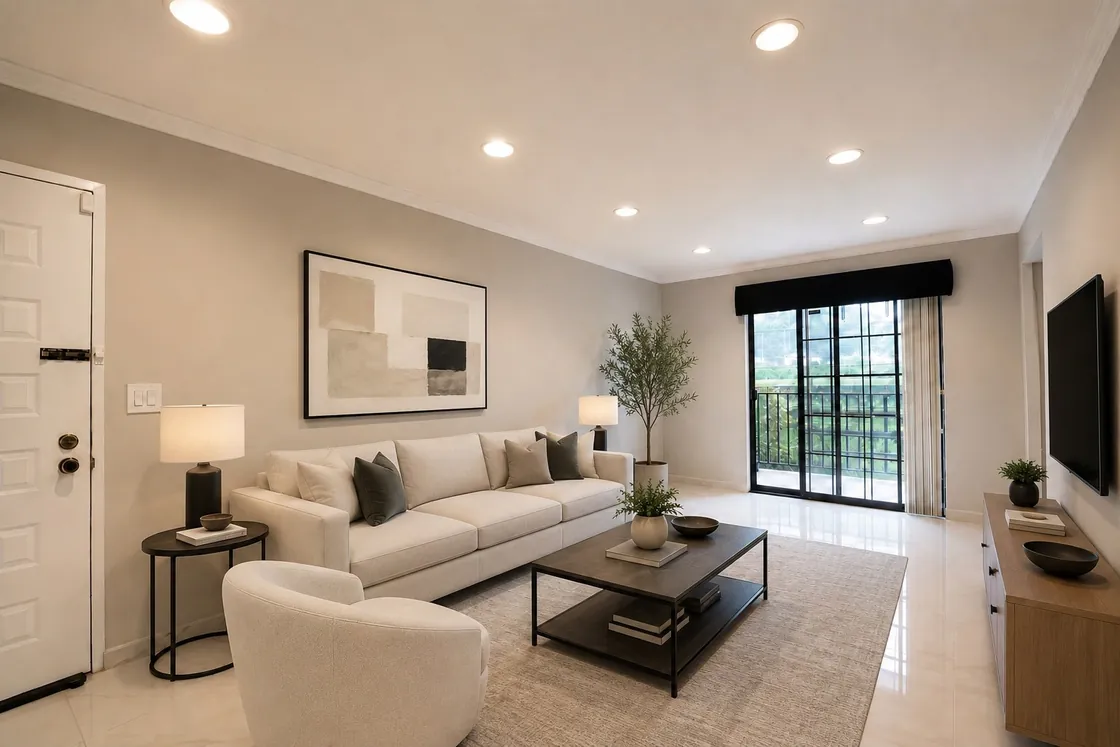

Real Estate Photography
AI Real Estate Photo Editing Quality Control Checklist
A practical checklist for reviewing AI-edited listing photos before delivery, covering geometry, windows, fixed fixtures, lighting, gallery consistency and disclosure.
Cover: AI-generated editorial illustration. Not an EstateAI output example.
Before delivering AI-edited listing photos, compare each output with its source, check the property’s permanent features, and review the full gallery for consistency. A polished image can still contain a changed window, a missing outlet or an invented view. Your final check needs to catch both visible artifacts and changes that could misrepresent the home.
This checklist is for real estate photographers reviewing enhancement, furniture removal, virtual staging and other AI edits. Use it after processing and again on the exported files. Keep a source copy available throughout the review.
Start with a clear editing brief
Record what the client requested for each photo. “Brighten the interior” is a different assignment from “show a furnished version of this empty bedroom.” If the output includes changes outside that brief, return it for correction even when the result looks attractive.
Separate images that document the property’s current condition from conceptual renovation or redesign images. Give conceptual work its own review and labeling process, and confirm that the intended destination permits it. A disclosure label does not automatically make an otherwise prohibited alteration acceptable.
For correction techniques, see our real estate photo enhancement guide. The checks below address the decision that comes next: whether an edited image is ready to deliver.
1. Check room geometry and architectural edges
Open the source and output side by side at comparable sizes. Follow the ceiling line, wall corners, doorframes, baseboards and floor boundaries. Check that the number and position of doors, openings and windows have stayed the same.
Inspect straight lines at full resolution. Watch for bowed cabinetry, softened stair rails, a doorway that changes width or a wall that meets the floor differently. Perspective correction can straighten verticals, but it should not make a room appear to have a different shape or usable size.
If a disputed edge is unclear, consult another original angle. Do not approve an architectural change because the generated version looks plausible.
2. Verify windows and the view outside
Compare window frames, mullions, handles and sills. Then inspect the exterior scene. Trees, neighboring buildings, fences and sightlines should correspond to the source and the actual property.
Treat a convincing invented view as a failed image. If the source does not contain recoverable exterior detail, return to the capture set or request another photograph rather than accepting fabricated scenery. When working from brackets, use the relevant original exposures to verify what was visible.
Look for halos around frames, mismatched reflections and a sharply detailed outdoor scene pasted into an otherwise soft photograph. Check balcony and patio doors with the same care.
3. Count fixed fixtures and preserve condition
Review permanent elements deliberately: faucets, cabinet handles, appliances, light fittings, vents, outlets, radiators, fireplaces and built-in shelves. Small repeated objects deserve a close look because a missing handle or extra ceiling light can escape a gallery-level review.
Check flooring, countertops and wall finishes against the original. An enhancement should not quietly turn laminate into stone or erase a crack. Review areas behind removed furniture especially carefully; generated content can look natural while depicting details that were never photographed.
If the original does not reveal what sits behind an object, get a clearer source or client confirmation supported by a photograph. Keep visible condition issues intact in images intended to show the property as it is.
4. Review light and color without changing materials
For real estate image enhancement, inspect neutral surfaces first. White trim and ceilings can help you spot a strong color cast, but do not assume every pale wall is white. Compare the edited paint, wood and tile colors with the source and other photographs of the room.
Check light direction and shadows. Added furniture should sit convincingly on the floor, with contact shadows that suit the scene. Reflective surfaces should not show objects or light sources that conflict with the room.
Pull back to normal viewing size after inspecting details. Watch for glowing walls, overly dark window views and an unnatural balance between adjoining spaces. Aim for a coherent photograph that still represents the property’s appearance.
5. Review furniture scale and access
When reviewing AI virtual staging, inspect furniture proportions relative to doors, windows and fixed cabinets. A tiny bed can make a small bedroom look more spacious; an oversized sofa can obscure the room’s circulation.
Check that doors can appear to open, walkways remain understandable and furniture does not intersect walls, railings or built-ins. Inspect chair legs, mirror reflections, lampshades and the edges of rugs for malformed details.
Compare alternate angles of the same room. Flag a sofa that changes style, furniture that shifts location or a rug that disappears between views. When consistent staging cannot be achieved, revise the set or reduce the staged views rather than sending contradictory images.
6. Review the property as one gallery
Switch from individual images to a contact sheet or gallery view. Adjacent photographs should feel like the same property, with compatible brightness, color and editing intensity. Check repeated rooms against each other, including spaces visible through open doors.
Confirm room names and image order. Keep originals, review versions and approved exports clearly distinguishable. A simple filename convention such as kitchen-01-original and kitchen-01-approved-v2 can help prevent an earlier rejected output from reaching the final delivery folder.
Consistency does not mean forcing every room to the same white balance. Preserve real differences in finishes and lighting while correcting accidental editing mismatches.
7. Confirm disclosure requirements for the destination
Ask the listing agent to confirm the applicable MLS, advertising and platform requirements before publication. Record the required label, caption or field, whether an original must accompany the edit, and who will enter that information. Recheck requirements when the destination changes.
A specific example from Stellar MLS
As checked on October 14, 2026, Stellar MLS Article 04.04 requires disclosure in the photo description, the virtually staged field and the opening of public remarks. It also prohibits changing permanent fixtures, inventing impossible views, removing negative condition details and distorting room dimensions. These are Stellar’s rules, not a nationwide template. Its listing content rules also restrict text and graphics on photos, so do not assume a custom watermark is the correct disclosure method.
The linked rules contain additional requirements. This checklist supports image review; it does not certify legal or MLS compliance. Have the responsible listing professional resolve uncertain cases before the images go live.
8. Check the exported delivery files
Open the actual files you intend to deliver. Confirm dimensions, file type and compression against the client’s destination requirements. Check for clipped crops, lost detail, missing disclosures where required and accidentally exported review annotations.
Include an image list identifying each approved file, its source, the type of edit and any remaining publication instructions. Keep a record of the reviewer and approval date. If a structural or factual issue remains unresolved, hold that image back and identify the correction needed.
Use three decisions: approve, revise or hold for clarification. Review revised images again, including any areas that were previously correct. A new generation can introduce a new error elsewhere.
Keep a repeatable review process
Make the same checks part of every delivery: geometry, windows, fixtures, condition, lighting, staging, gallery consistency, disclosure and exports. Judge success by whether the final set accurately represents the property and meets the agreed brief.
Explore EstateAI’s real estate photographer workflow, then use this checklist to review the outputs before delivery.