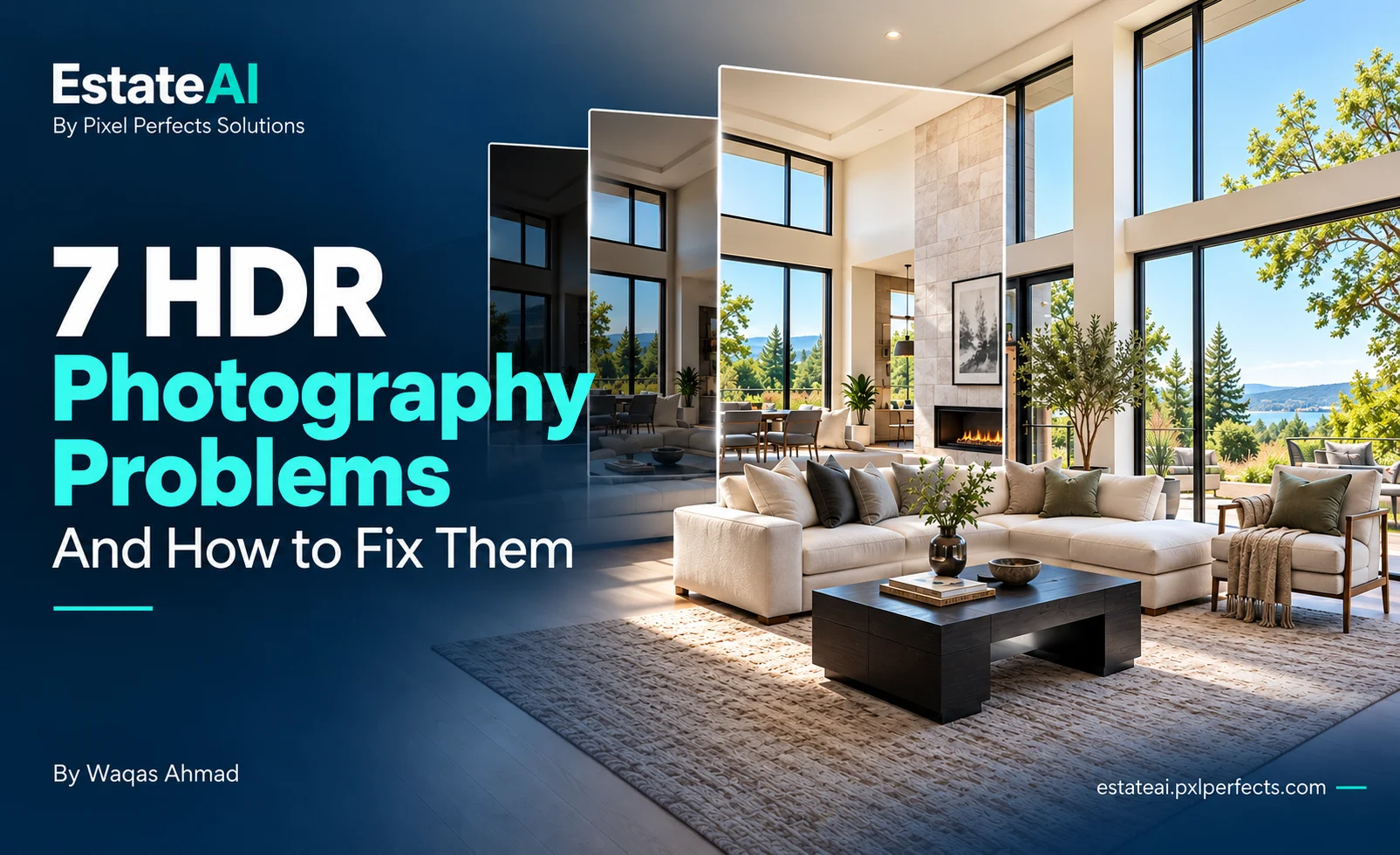
7 Real Estate HDR Photography Problems and How to Fix Them
Fix seven common real estate HDR photography problems, including blown-out windows, halos, ghosting, and uneven colors. Learn practical capture, merging and editing techniques to create natural, professional listing photos with EstateAI.
Bright windows, dark corners and mixed lighting make interior photography challenging. A room that looks balanced in person can appear very different through a camera.
Real estate HDR photography helps photographers combine multiple exposures into an image with useful detail across brighter and darker areas. However, capturing several photographs and merging them does not automatically produce a polished result.
Gray windows, double edges, unnatural colors, and heavy halos can make listing photographs look distracting rather than professional. The solution starts with identifying where the problem occurred: during capture, exposure grouping, merging, or final editing.
This guide explains seven common HDR photography problems, what to check first, and how to approach the correction.
What Is Real Estate HDR Photography?
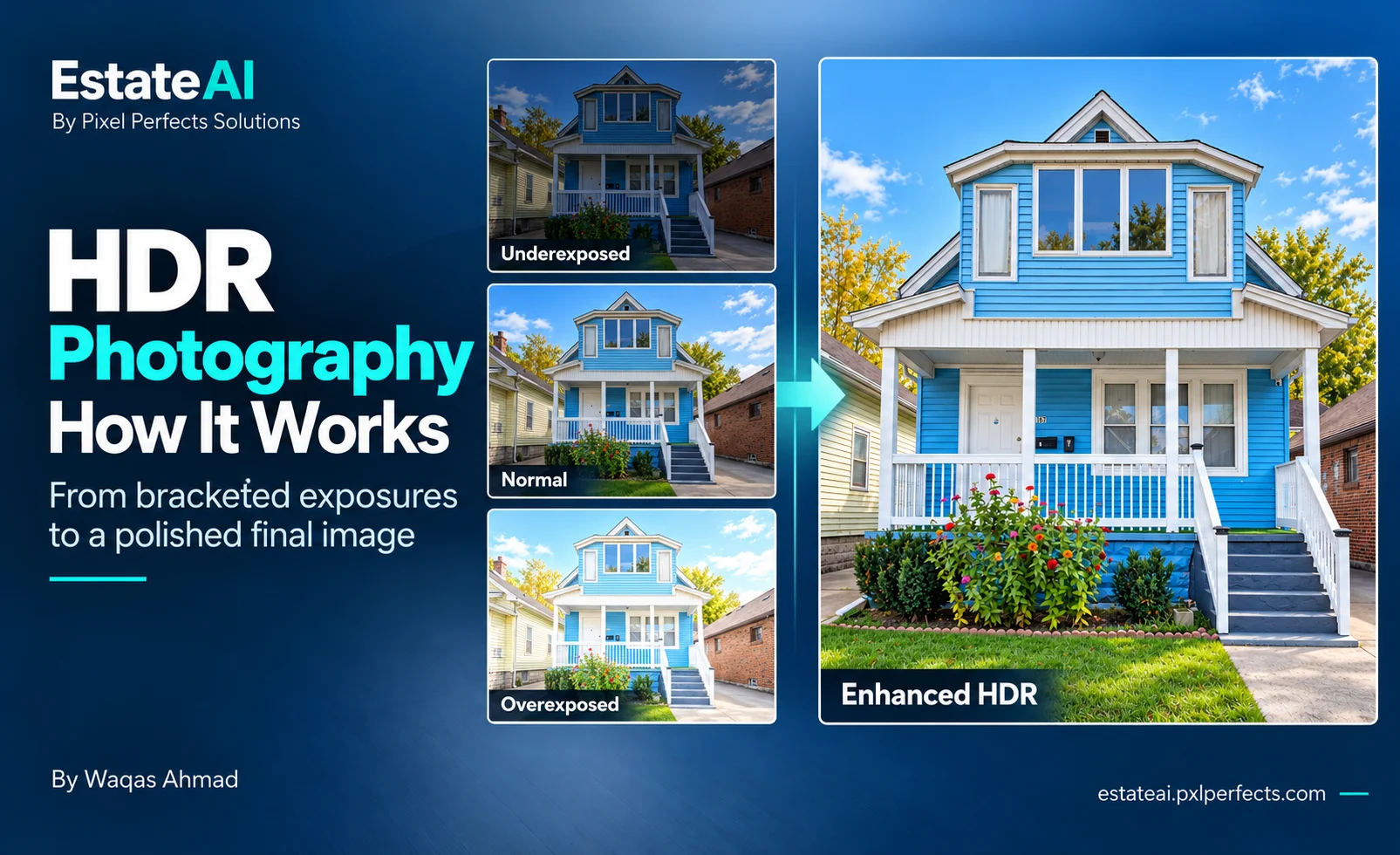
Real estate HDR photography combines photographs taken at different exposure levels from the same camera position. Darker frames capture bright areas, while brighter frames provide information about shaded parts of the room.
The goal is a balanced photograph that represents the property naturally.
HDR should help viewers understand the space, materials and lighting. It should preserve the actual room rather than create a heavily processed appearance.
A practical checklist for reviewing AI-edited listing photos before delivery, covering geometry, windows, fixed fixtures, lighting, gallery consistency and disclosure.
Discover how PropLens, the latest AI-powered camera and virtual staging app, is transforming real estate photography workflows. Learn practical steps and considerations for photographers, agents, and marketing teams aiming to harness AI advancements alongside platforms like EstateAI.
7 Real Estate HDR Photography Problems and How to Fix Them
Before changing your editing settings, compare the merged image with its original exposures.
Check three things:
Captured detail: Does the missing window or shadow detail exist in any source frame?
Movement: Did the camera, curtains, foliage or another object move between exposures?
Grouping: Does every photograph belong to the same composition?
These checks help distinguish a capture problem from an editing problem. If essential detail was never recorded, repeated processing may not resolve it.
1. Blown-Out Windows
Why it happens
A bright exterior can exceed the exposure range captured by your bracket. If the window view is clipped in every source frame, the merge has no usable information to recover.
In other cases, the darkest photograph contains the detail, but the merged result loses it through processing.
How to fix it
Inspect the darkest exposure and look directly at the window.
If the exterior detail exists, review your merge settings and local highlight adjustments. Balance the view against the room while keeping the lighting believable.
If every exposure shows a featureless white window, consider a reshoot with an exposure that captures the exterior.
Avoid replacing the view with an invented landscape. The window should represent what was photographed at the property.
What to check on your next shoot
Review a test bracket before moving through the entire property. Confirm that at least one exposure captures useful window detail and another captures the interior clearly.
2. Gray or Unnaturally Dark Windows
Why it happens
Recovering highlights too aggressively can make windows look muddy or disconnected from the room.
A bright daytime exterior may become darker than the surrounding interior, creating an unnatural appearance even when the view remains sharp.
How to fix it
Compare the processed window with the original exposures.
Reduce excessive highlight compression or heavy masking. Preserve a believable brightness relationship between the exterior and the room.
Check the window frame, glass and reflections alongside the view. Abrupt transitions around these areas can make the window appear pasted into the image.
A balanced window does not need to match the brightness of every interior surface.
3. Halos Around Windows, Ceilings and Door Frames
Why it happens
Halos appear as bright or dark bands around high-contrast edges.
They can become visible after aggressive local contrast, sharpening or tonal adjustments. Window frames, ceiling lines and dark cabinetry are common places to notice them.
How to fix it
Review the photograph at both normal viewing size and a close crop.
Reduce strong adjustments one at a time so you can identify which control introduced the artifact. Check clarity, sharpening and local tonal corrections rather than increasing them further.
Use restrained adjustments and smooth transitions around architectural edges.
A photograph should communicate the room clearly without making the processing itself the most noticeable feature.
4. Double Edges and Misaligned Architecture
Why it happens
Small camera movements between exposures can produce double edges around doors, furniture and cabinetry.
Incorrect grouping can cause more severe problems. A photograph from another composition may accidentally be included in the bracket.
How to fix it
First, confirm that the exposures belong to the same camera angle.
Next, inspect alignment. Software with alignment controls can compensate for some movement, but the corrected result still needs close review.
Adobe’s HDR documentation describes alignment as a way to address slight differences between frames. It should not be treated as a guarantee that every mismatched source can be repaired.
If the camera position changed substantially, correcting the source group or reshooting may produce a better result.
How to prevent it
Use a stable camera position and avoid touching or reframing the camera during a bracket sequence. Keep file groups organized so each composition remains easy to identify.
5. Ghosting in Curtains, Foliage or Moving Objects
Why it happens
Ghosting occurs when an object changes position between exposures.
A moving curtain, tree branch, person or pet may appear transparent, repeated or partially missing in the merged image.
How to fix it
Inspect the affected area in the source photographs.
If your software offers deghosting, begin with a low setting and increase it only when needed. Review the corrected area for new artifacts.
Adobe recommends avoiding unnecessary deghosting when the preview is already clean.
For difficult movement, a suitable single exposure or careful blending from a clean source region may work better. If neither produces a convincing result, consider a reshoot.
How to prevent it
Watch for movement before capturing the bracket. When practical, wait for people and pets to leave the composition and reduce avoidable movement in the room.
6. Orange Walls, Blue Corners and Uneven Colors
Why it happens
Mixed lighting can create different color casts within the same photograph.
Daylight may illuminate one part of the room while warm lamps affect another. A global white-balance correction can improve one area and make another look worse.
How to fix it
Compare the source exposures and identify surfaces that should look neutral.
Use modest local corrections where a single global adjustment is insufficient. Preserve the actual colors of paint, timber, stone and cabinetry.
Do not force every wall or material to appear white.
The objective is a believable photograph with consistent presentation, not a different interior finish.
How to prevent it
Establish a repeatable lighting approach during the shoot. Evaluate how the combination of daylight and interior fixtures affects each room before applying the same approach across the property.
7. Flat Images and Inconsistent Results Across a Listing
Why it happens
Excessive shadow lifting and highlight compression can remove depth from an interior.
Furniture and surfaces may lose separation, making the photograph look flat despite containing detail.
Across a batch, differences in lighting, exposure grouping and editing settings can also produce inconsistent results.
How to fix it
Compare the merged photograph with a source frame to understand how the room’s lighting should read.
Restore contrast gradually. Retain useful shadow detail while allowing enough tonal separation to describe shape and materials.
For a full property shoot, test your starting treatment on several different rooms:
A bright living room.
A darker bedroom.
A kitchen with mixed lighting.
Apply shared settings where appropriate, then review each image individually. A consistent starting point should still allow room-specific correction.
Should You Use Three, Five or Seven Exposures?
Choose the exposure coverage the scene needs.
More frames do not automatically fix movement, color casts or aggressive editing. Additional exposures are useful when they capture information that the existing bracket lacks.
Check whether your darkest frame retains important highlights and whether a brighter frame records usable interior detail.
Three exposures can be a practical starting point for many scenes, while more demanding lighting may require a different range. Follow your camera’s capabilities and your merge software’s requirements.
How EstateAI Fits Into Your HDR Workflow
EstateAI HDR Merge supports common three-, five- and seven-exposure groups and common RAW camera formats.
Its published workflow separates preparation, alignment, merging and final output. Completed HDR photographs can move into an EstateAI Property for further processing, review and delivery.
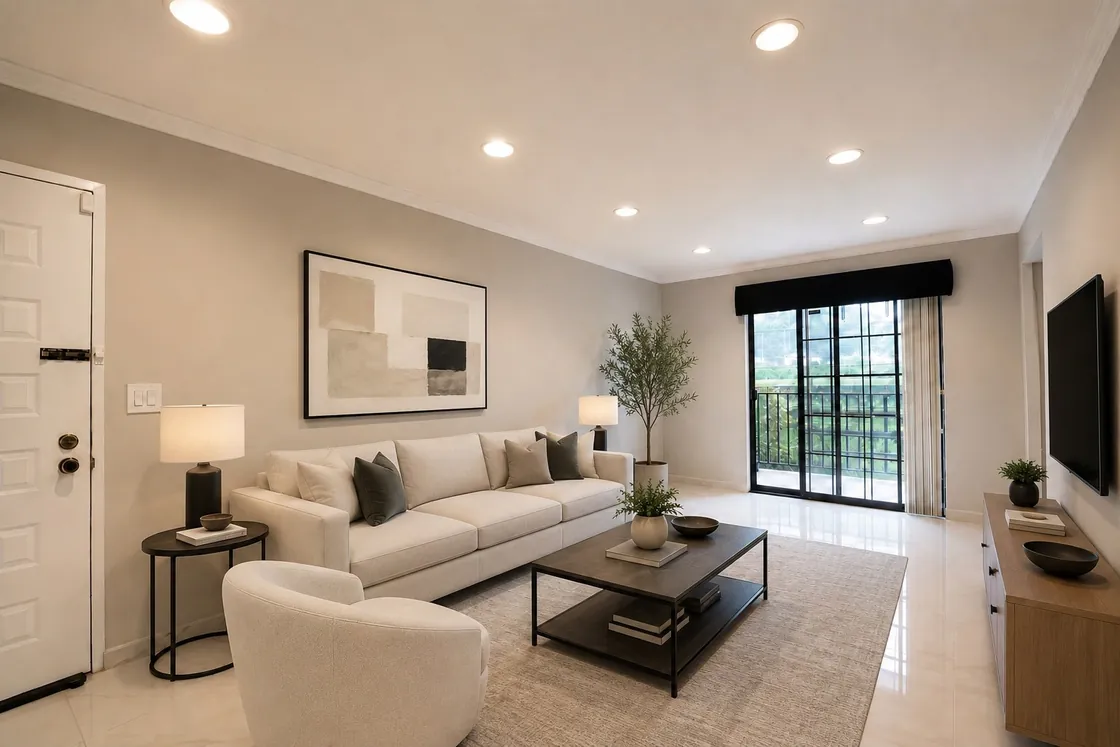
HDR merging remains separate from generative services such as virtual staging. Photographers can review the photographic result before selecting additional transformations.
EstateAI also connects property media with enhancement, staging, sharing and delivery workflows, helping teams keep their work organized around the property.
Final Review Checklist Before Delivery
Before sending the photographs to an agent or client, check that:
Each merge uses the correct composition and exposure group.
Windows show believable brightness and the actual captured view.
Door frames, furniture and cabinetry have clean edges.
Moving objects do not leave distracting ghosts.
Materials and wall colors remain faithful to the property.
Contrast and sharpness remain consistent across the listing.
Original exposures remain available for comparison.
Strong real estate HDR photography begins with sound capture and finishes with careful review.
When the source photographs contain the necessary information, restrained correction can often improve the result. When essential detail is missing, recapturing the scene may be more effective than repeating the merge.
HDR Photography vs. Twilight Photography: What's the Difference?
HDR photography helps real estate photographers balance bright skies, dark shadows, and architectural details by combining multiple exposures.
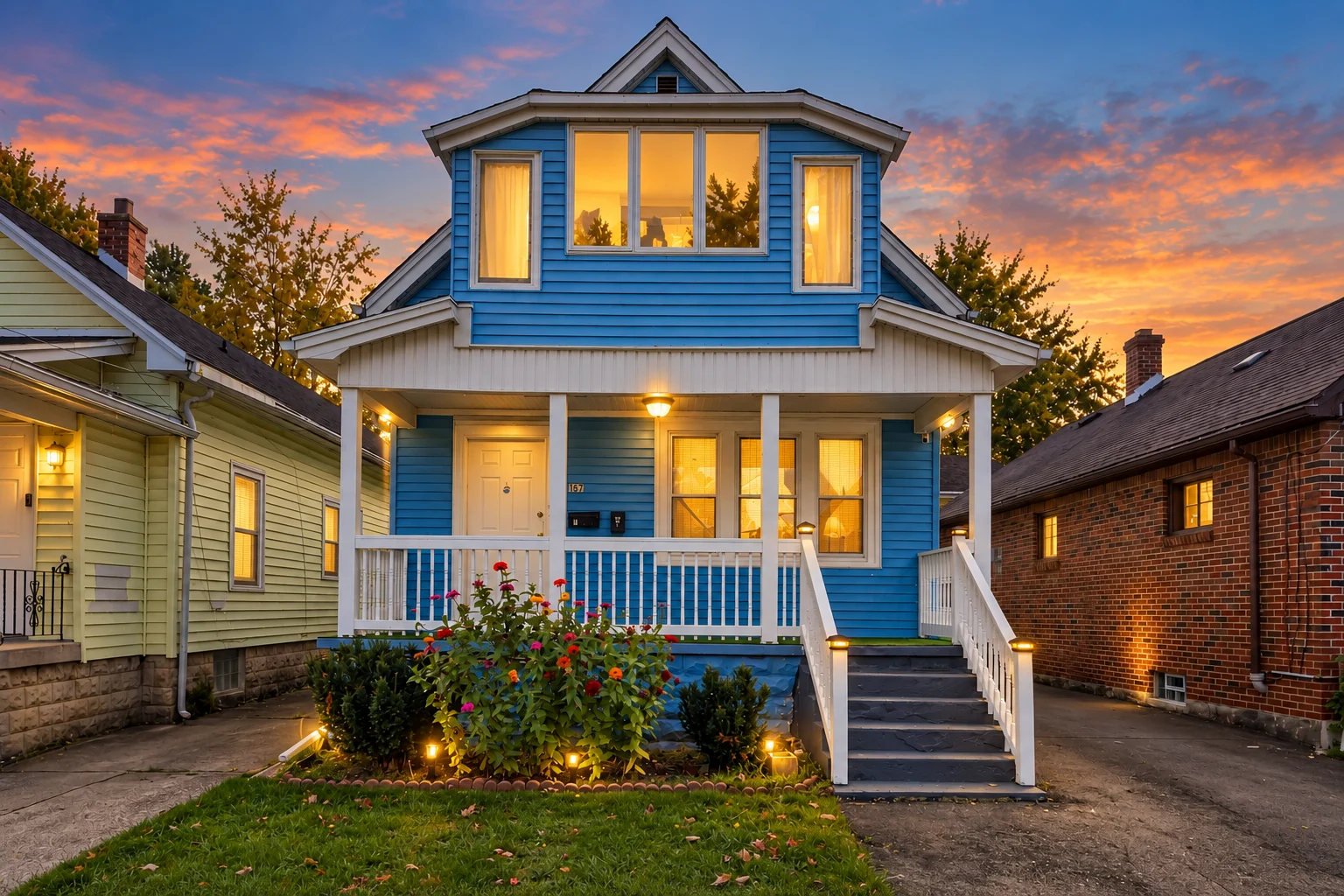
Twilight photography takes a different approach. It showcases properties with warm interior lighting, dramatic evening skies, and an inviting atmosphere that can make listings stand out.
Both techniques can improve real estate marketing, but they serve different purposes.
Prepare Your Next Property Shoot With EstateAI
Explore EstateAI HDR Merge to connect bracketed photography with property review and delivery.
For product support, sales, billing, partnerships or professional editing enquiries, contact the EstateAI team through Pixel Perfects Solutions LLC.
Waqas Ahmad creates content about real estate marketing, property presentation and digital tools. His writing focuses on practical ways agents, photographers and property businesses can understand new technology and improve their marketing workflows.
An HDR merge should not be relied on to restore sharp detail that is missing from the source photographs. Inspect the individual frames and use a suitable source or reshoot when necessary.
Does every real estate photograph need HDR?+
No. Some scenes can be represented well with a single exposure. Bracketing is useful when the brightness difference between the interior and exterior makes a single capture insufficient.
Why do my HDR photographs look unnatural?+
Common causes include excessive tonal compression, heavy local contrast, oversaturation, alignment errors and ghosting. Compare the result with its source exposures before making further adjustments.
Is HDR merging the same as AI virtual staging?+
No. HDR merging combines exposure information captured by the camera. Virtual staging introduces a furniture arrangement into the photograph and is a separate visual transformation.
What should I check first when an HDR merge looks wrong?+
Check the exposure group, the darkest frame’s highlight detail and any movement between photographs. These checks help identify whether the issue began during capture or processing.
EstateAI
Turn the next property into a complete marketing workflow.
Upload once. Analyze, enhance, stage, review, market, share and deliver from one connected Property Workspace.