No-Login AI Virtual Staging: PropertyAdvice.ai and Real Estate Marketing Workflows
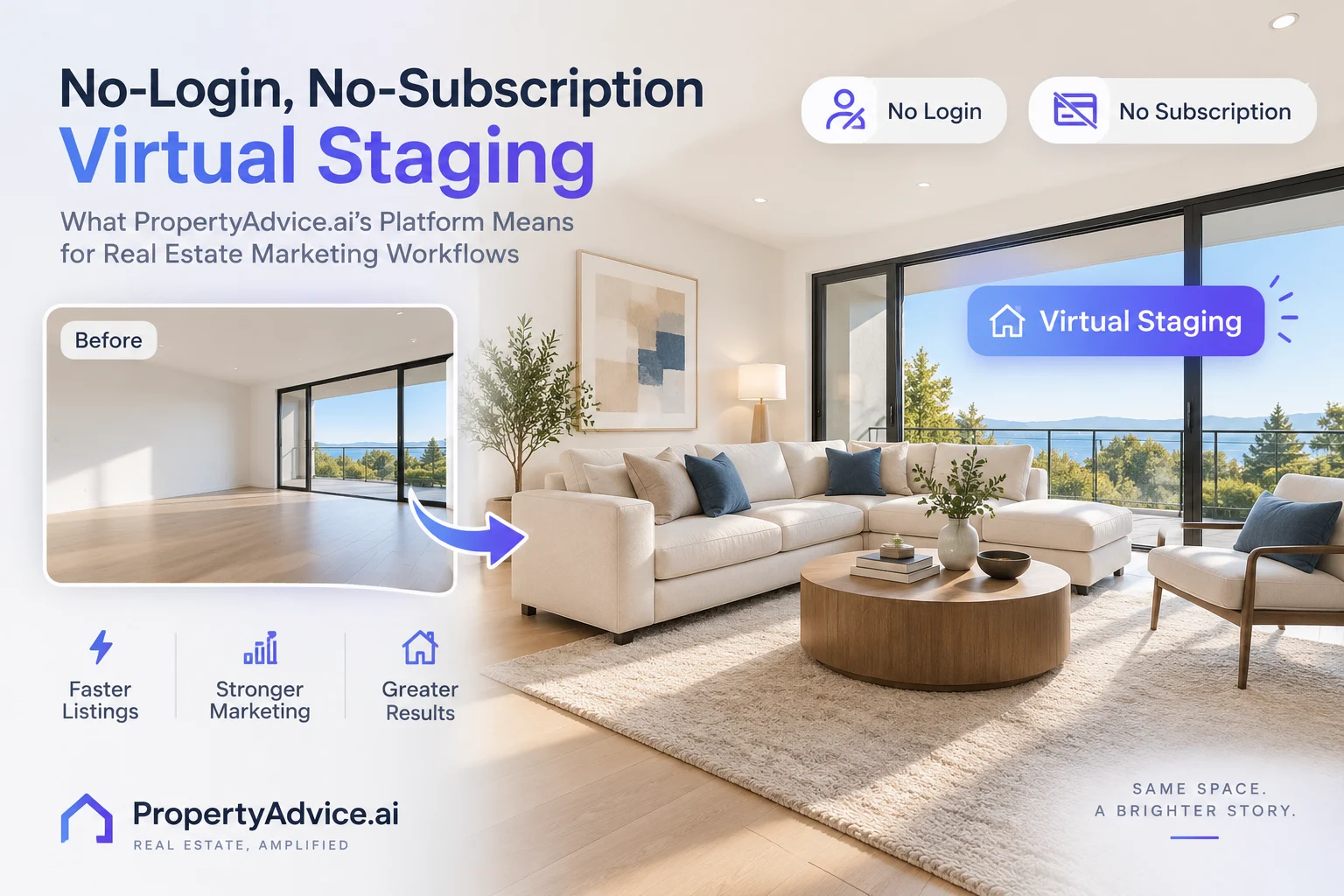
The launch of PropertyAdvice.ai's no-login, no-subscription AI-driven virtual staging platform signals a significant shift in how real estate marketing teams and photographers approach virtual staging. This article explores practical impacts for agents, photographers, builders, and marketing teams, highlighting streamlined workflows, greater accessibility, and integration potential with platforms like EstateAI.
EstateAI Editorial TeamOctober 13, 20267 min readShare
Introduction
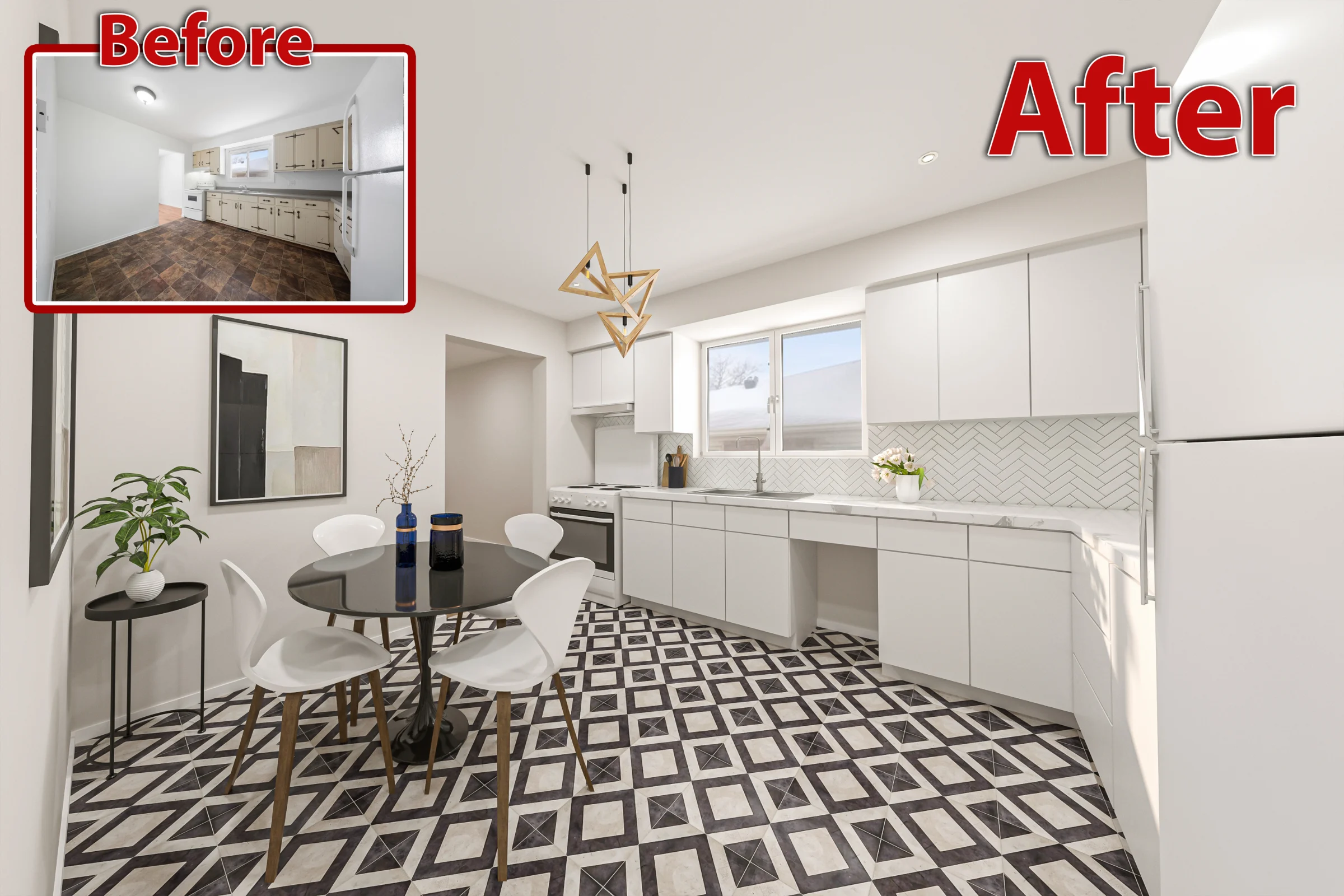
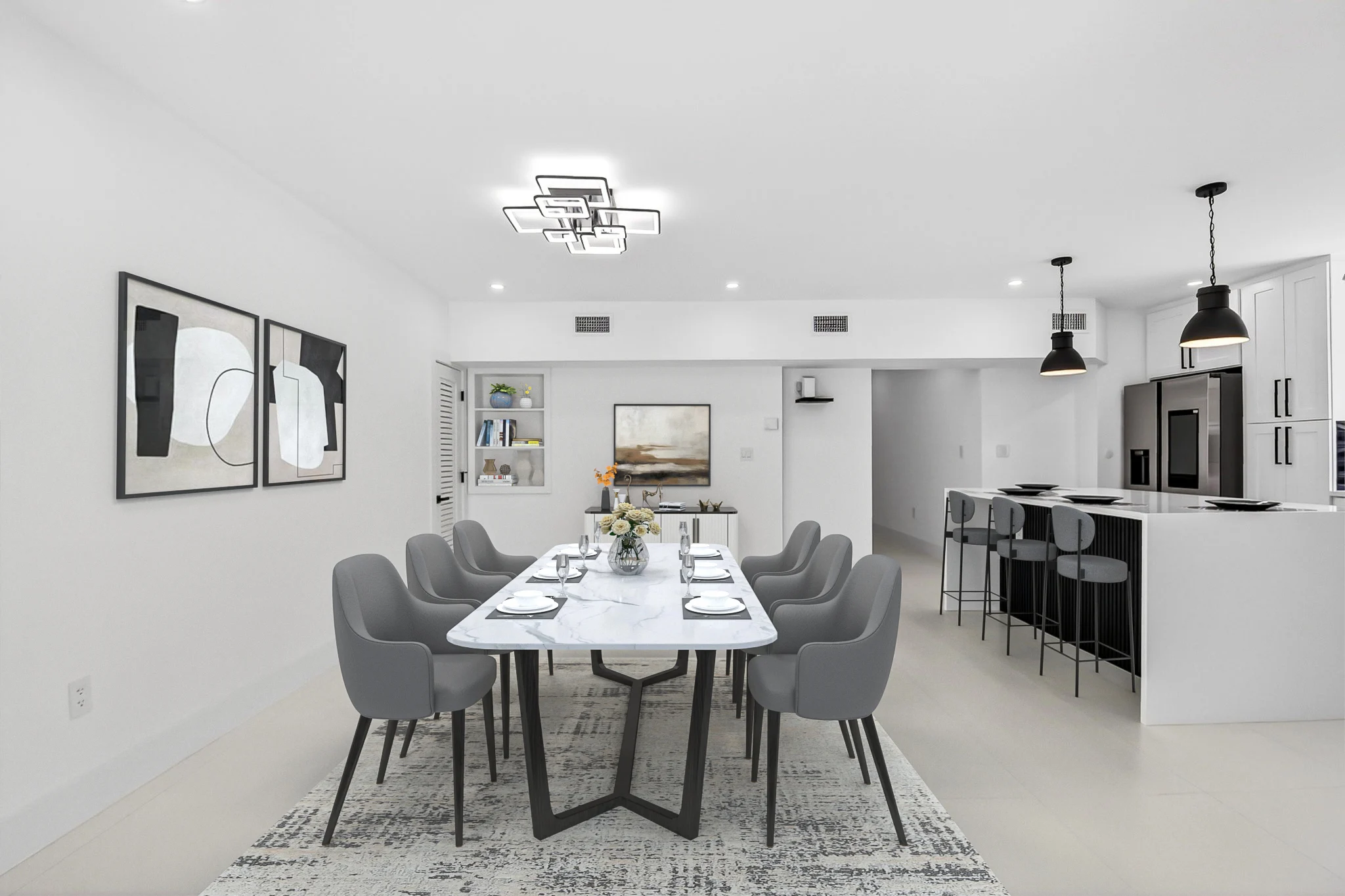
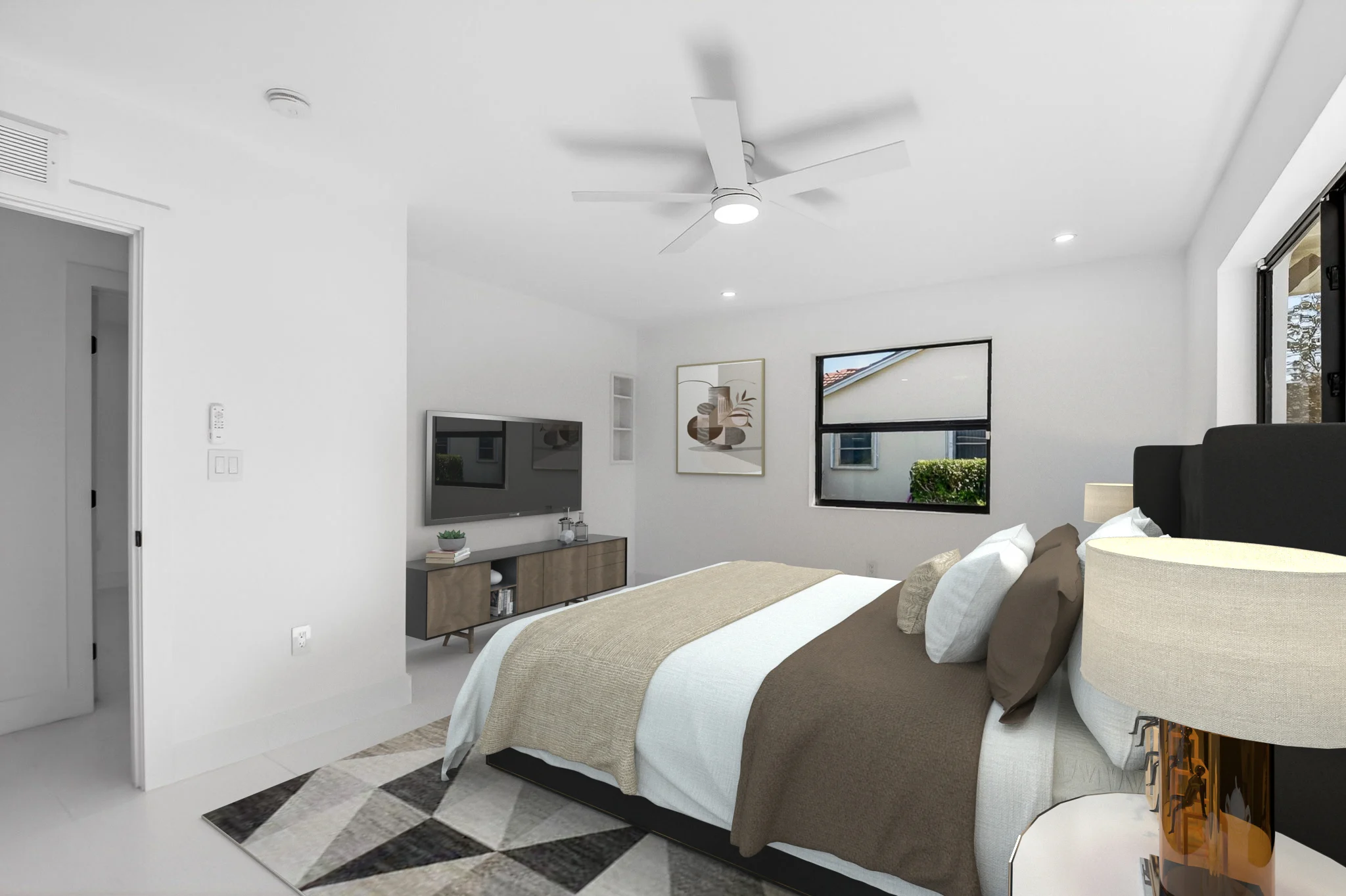
AI virtual staging helps real estate professionals show how vacant rooms could function by adding furniture and décor to property photographs. It offers a digital alternative to physically furnishing a space for marketing images, although the finished photographs still require careful review.
For photographers, agents and marketing teams, this raises a practical question: when is a simple staging order sufficient, and when does a property-based workspace become useful?
The answer depends on project volume, image treatments, review requirements and client delivery.
What Does No-Login, No-Subscription Virtual Staging Mean?
According to PropertyAdvice.ai’s official website, users can order virtual staging without creating an account or paying a monthly subscription.
Choose the right treatment for each listing photo: keep existing furniture, remove temporary clutter or stage a vacant room. Learn what to verify before delivery.
Discover how the recent launch of PropLens, an AI-powered camera and staging app, is shaping a new era in virtual staging. Learn practical workflows, integration tips, and how to leverage AI-driven enhancements effectively alongside EstateAI’s comprehensive real estate marketing platform.
Discover how enhanced listing services that combine professional photography, Zillow 3D tours, and virtual staging are transforming real estate marketing workflows for agents, photographers, and marketing teams — and how to leverage AI-powered tools like EstateAI to create compelling property presentations.
No-Login, No-Subscription Virtual Staging: What Propert…
Its Stage a Room and Stage a Home products provide five interior staging styles for each submitted photograph. Customers can review the alternatives and select the version that suits the property’s presentation.
However, no subscription does not mean free. The platform describes a one-time payment model. Before ordering, check the current price, output resolution, usage rights, revision arrangements and delivery method.
This distinction matters when comparing virtual staging software. A recurring plan and an individual order can have different advantages depending on how frequently the service is used.
Why This Model Matters for Real Estate Professionals
Occasional Projects
An agent preparing a single vacant listing may need only a few staged photographs. A one-time order can suit that limited requirement without introducing an ongoing subscription.
The decision should still include quality and usage considerations. A low-friction checkout is helpful, but the result must accurately represent the room and meet the intended publishing requirements.
Variable Photography Workloads
Photographers may receive staging requests irregularly. Some clients need several rooms furnished digitally, while others want only standard photo editing.
An order-based service can be considered for occasional assignments. For repeat projects, photographers should compare the total cost with other available workflows rather than assuming one pricing model is always cheaper.
Client Design Previews
Multiple staging styles can help a client evaluate different furniture arrangements. Treat these as alternatives for review rather than publishing every version.
A listing benefits from a coherent presentation. Select an appropriate style and inspect whether it remains consistent across the property.
EstateAI also offers a no-signup AI virtual staging preview. Its published preview is watermarked, and users can create an account to claim the clean result.
This means the comparison should go beyond whether an account is required. Consider what happens after the first image is generated:
Where are the original photographs stored?
Can the team compare versions?
How are approved files selected?
Which additional treatments are needed?
How will the client receive the finished media?
Using PropertyAdvice.ai alongside EstateAI should be described as a proposed manual workflow. A direct integration or automatic synchronization between the platforms has not been verified.
A Practical AI Virtual Staging Workflow
1. Capture Accurate Source Photographs
Begin with clear images that show the room’s layout, windows, doors and permanent fixtures.
Keep the camera level and avoid framing that exaggerates room size. Remove physical clutter where practical before the shoot, and retain the original files.
Good source photography makes both processing and review easier.
2. Decide What Each Image Needs
Choose treatments according to the photograph rather than applying every available service.
Enhancement, staging and decluttering serve different purposes. Keep those distinctions clear when briefing the client.
3. Select a Suitable Staging Approach
Consider the room’s function and the property’s character. Furniture should help explain the space without blocking access, hiding important features or creating implausible proportions.
For several rooms, aim for a compatible design direction. Individually attractive images can still feel inconsistent when presented together.
4. Compare Results With the Originals
Review each processed photograph before approval.
Check architectural edges, windows, flooring, built-in cabinetry and permanent fixtures. Inspect furniture scale, shadows and reflections.
If the result changes an important property detail, revise it or choose another version. Avoid repeatedly transforming a problematic image without returning to the source photograph.
5. Prepare Approved Files for Delivery
Keep original, draft and approved images clearly identified. Confirm the required file format and resolution before exporting.
Upload approved media to the intended listing or marketing channel according to its requirements.
When Should You Use Additional Image Services?
Some listings need more than furniture added to vacant rooms.
Image enhancement can improve exposure, white balance, color and detail while preserving the photographed scene. Virtual decluttering can reduce temporary distractions, but it should not conceal relevant property conditions.
Day-to-dusk photo editing offers a twilight-style exterior presentation. Review the resulting lighting and architectural details before publishing.
Redesign and renovation imagery should be identified as concepts when they depict proposed changes. Keep those visualizations distinct from photographs documenting the property’s existing condition.
Virtual Staging Versus Physical Staging
Virtual staging changes the marketing photograph. Physical staging changes the space visitors experience during a viewing.
Neither approach is automatically right for every listing. The choice depends on the property, budget, schedule and intended presentation.
Convenient access does not remove the need for review.
Keep source photographs available, confirm image rights and check the applicable listing platform, MLS and local disclosure requirements. A label alone should not be treated as approval for every type of alteration.
Do not use staging to misrepresent room dimensions, hide defects or imply that proposed improvements already exist.
Conclusion
No-login, no-subscription AI virtual staging gives occasional users another purchasing option. A property-based workspace can support teams that need organized source files, multiple treatments, version review and ongoing delivery.
Choose the approach that fits the project. Compare total costs, inspect every result and maintain a clear connection between the marketing image and the actual property.
Frequently Asked Questions
Is no-subscription virtual staging free?
Not necessarily. PropertyAdvice.ai describes a one-time payment model. Check the current product price before ordering.
Does EstateAI offer a preview without signup?
Yes. Its public virtual staging page offers a watermarked preview without signup, with account creation required to claim the clean result.
Can I use both platforms for one property?
You can consider a manual workflow using suitable exported files, subject to usage rights and format requirements. A direct integration has not been verified.
Should every listing photograph be virtually staged?
No. Prioritize images where furniture helps explain room function. Keep the presentation balanced and retain original photographs.
Contact EstateAI
Explore EstateAI for property photography, AI services, review and delivery workflows.
Waqas Ahmad writes about real estate marketing, property presentation and digital tools, focusing on practical workflows for agents, photographers and marketing teams.
What advantages does a no-login, no-subscription virtual staging platform provide?+
It offers instant access without account setup or recurring fees, enabling faster, simpler staging for occasional or urgent listings and reducing barriers for freelancers and small teams.
How can EstateAI’s platform complement rapid virtual staging services?+
EstateAI provides a centralized workspace for managing all photos and AI services, ideal for ongoing marketing campaigns, while rapid no-login staging supports quick turnaround and testing before full integration.
What AI-powered services does EstateAI offer beyond virtual staging?+
EstateAI offers professional image enhancement, virtual declutter, interior redesign, virtual renovation, time and weather adjustments (day-to-dusk, snow-to-summer), exterior cleanup, and landscaping services.
Who benefits most from the new no-login virtual staging model?+
Real estate photographers, small brokerages, agents with fluctuating workloads, and builders looking for fast design visualization benefit from the flexibility and accessibility of no-login staging.
How can teams incorporate these AI tools into their real estate marketing workflows?+
Teams should organize photo libraries centrally, use rapid staging for urgent needs, leverage AI recommendations for tailored service selection, and maintain quality control to ensure realistic and compliant listing presentations.
EstateAI
Turn the next property into a complete marketing workflow.
Upload once. Analyze, enhance, stage, review, market, share and deliver from one connected Property Workspace.