
Real Estate Photography
MLS Photo Size: A Preflight Checklist Before You Upload
Check pixel dimensions, file size, format and destination rules before uploading listing photos. A practical handoff checklist for US agents and photographers.
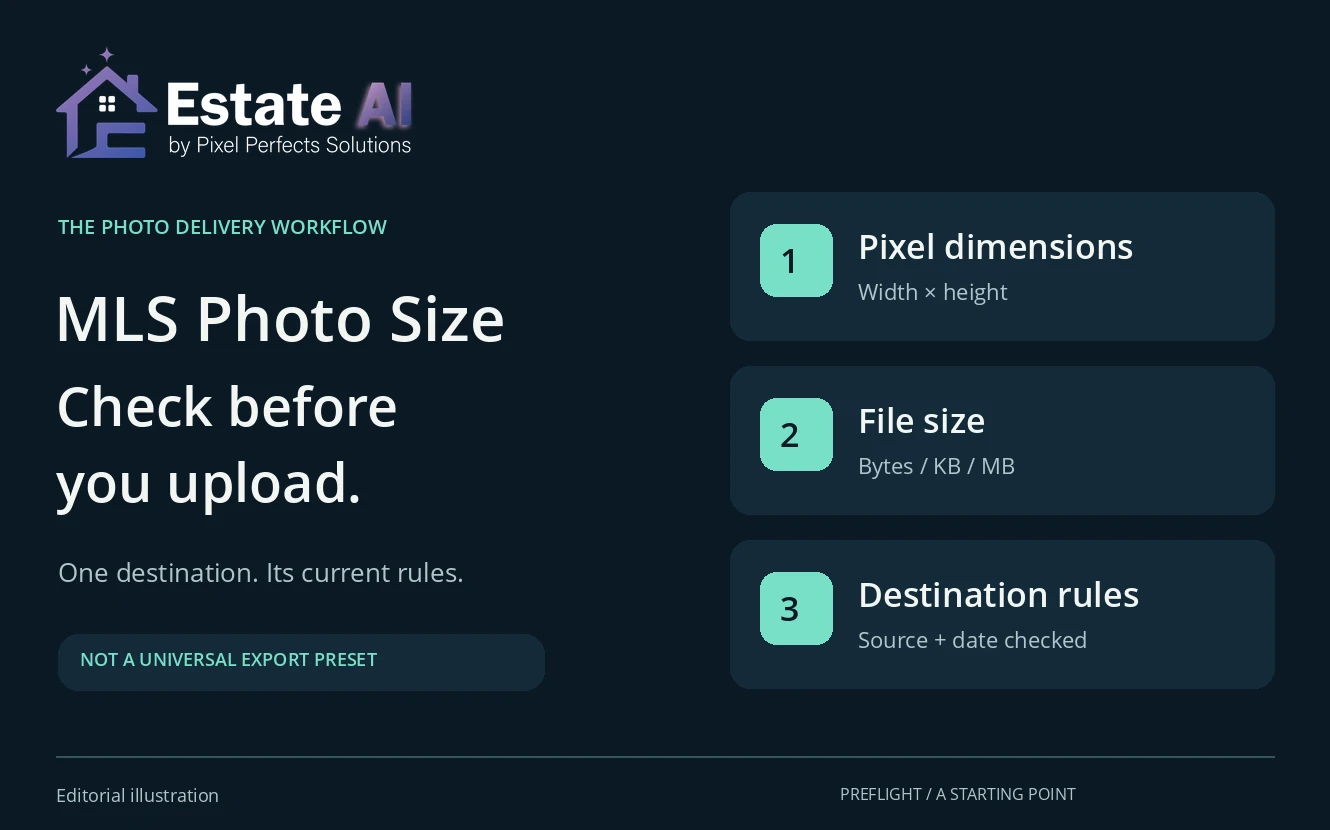
There is no single MLS photo size that works for every US listing destination. Before uploading, confirm the actual system’s accepted format, pixel dimensions, file-size limit and cropping behaviour. Keep your highest-quality original, then make a separate delivery copy for the requirements you have verified.
This check belongs after image editing and before the full gallery is handed over. A photograph can look sharp in an editor but arrive as the wrong file type, exceed an upload limit or lose important edges in a different aspect ratio. Those problems need an export or delivery check, not necessarily another round of AI editing.
Use the workflow below with the listing agent or person responsible for the upload. It is a technical handoff checklist, not certification that a photograph meets every MLS content, licensing or disclosure rule.
1. Record the destination’s requirements before choosing a preset
Start with the named MLS and the upload system the agent will actually use. “For MLS” is not enough information when a photographer serves several markets. Find the current official help page, record its URL and date checked, and ask the agent to resolve anything ambiguous.
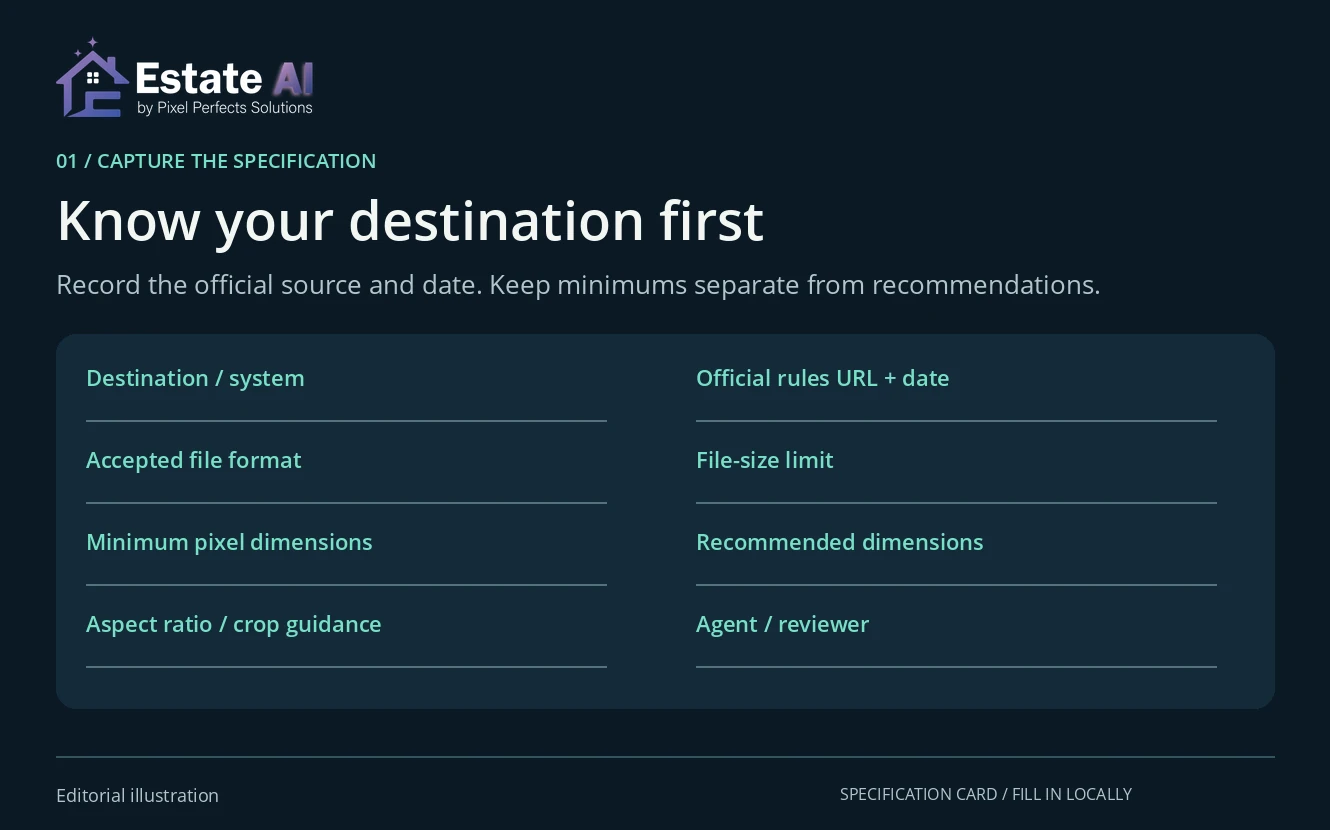
Make a short specification card for the job. Keep requirements separate from recommendations: an ideal display size is not automatically a hard upload minimum, and a file-size recommendation may differ from a rejection threshold.
- Destination and system: the MLS, portal or brokerage upload route.
- Official source: the help-page URL and date checked.
- File format: the accepted extension and actual image format.
- Pixel dimensions: minimum, recommended and maximum values, where stated.
- Shape: aspect ratio, orientation and expected cropping or borders.
- File size and count: the limit per photo and permitted gallery size.
- Publication instructions: required originals, labels or captions, with the responsible agent identified.
Leave an unknown field marked “confirm” rather than filling it with a familiar number. Save the card beside the delivery set so a later revision or a different uploader can see which requirements were used.
2. Read official size examples in context
Two official support pages illustrate why the destination matters. These examples were checked on October 27, 2026; follow the current page for your own listing rather than treating either as a national rule.
- MLS Now: its listing-photo requirements, updated September 23, 2026, specify JPG files and no more than 6 MB per photo. For optimal quality, they recommend at least 1024 × 768 pixels.
- PrimeMLS: its Paragon upload guidance, modified February 27, 2026, says images below 640 pixels wide × 480 pixels high are blocked. It identifies 3072 × 2304 as an optimal 4:3 target and recommends staying within 15 MB for performance. It also describes compression of photos above 800 KB to approximately 800 KB.
Those statements describe different things: an accepted format, a byte limit, a hard minimum, a preferred target and processing after upload. Copying only one number into a preset can miss the rest. Read the complete destination guidance, including its separate content and disclosure requirements.
3. Check pixel dimensions and megabytes separately
Pixel dimensions describe the image’s width and height. File size describes how much storage the file uses. Two photographs with the same dimensions can have different file sizes because their detail and compression differ. Check both values in the actual exported file.
If adjustments are needed, work from a separate copy in an appropriate image editor. Preserve proportions when resizing. If a different crop is necessary, review the room’s boundaries, windows, roofline and other important details instead of stretching the photograph to force it into a shape.
Adobe’s pixel-dimension guidance explains that resampling adds or removes pixels. Its resizing instructions also identify the aspect-ratio control. A larger exported grid alone does not establish that the image contains more genuine property detail.
4. Test one delivery copy before repeating the settings
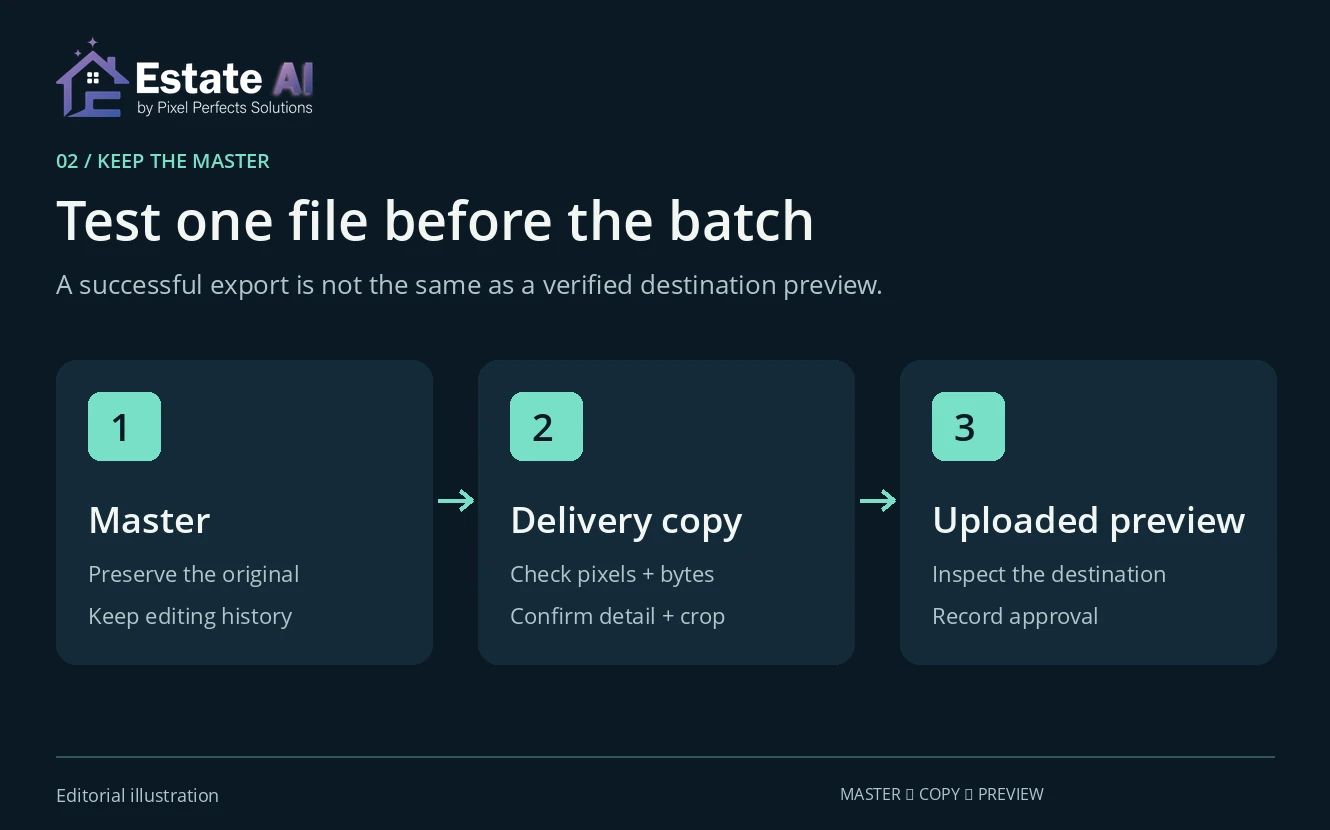
Choose a representative photograph with fine detail and important edges. Open the finished export, not just the editing preview. Check its filename, format, dimensions, file size and crop, then inspect details such as railings, foliage and window frames for visible degradation.
Have the authorized uploader check that file in the destination’s preview before repeating the settings across the full delivery set. Compare the export and preview on the same screen where practical. Keep the master unchanged so a correction does not depend on recovering a smaller portal copy.
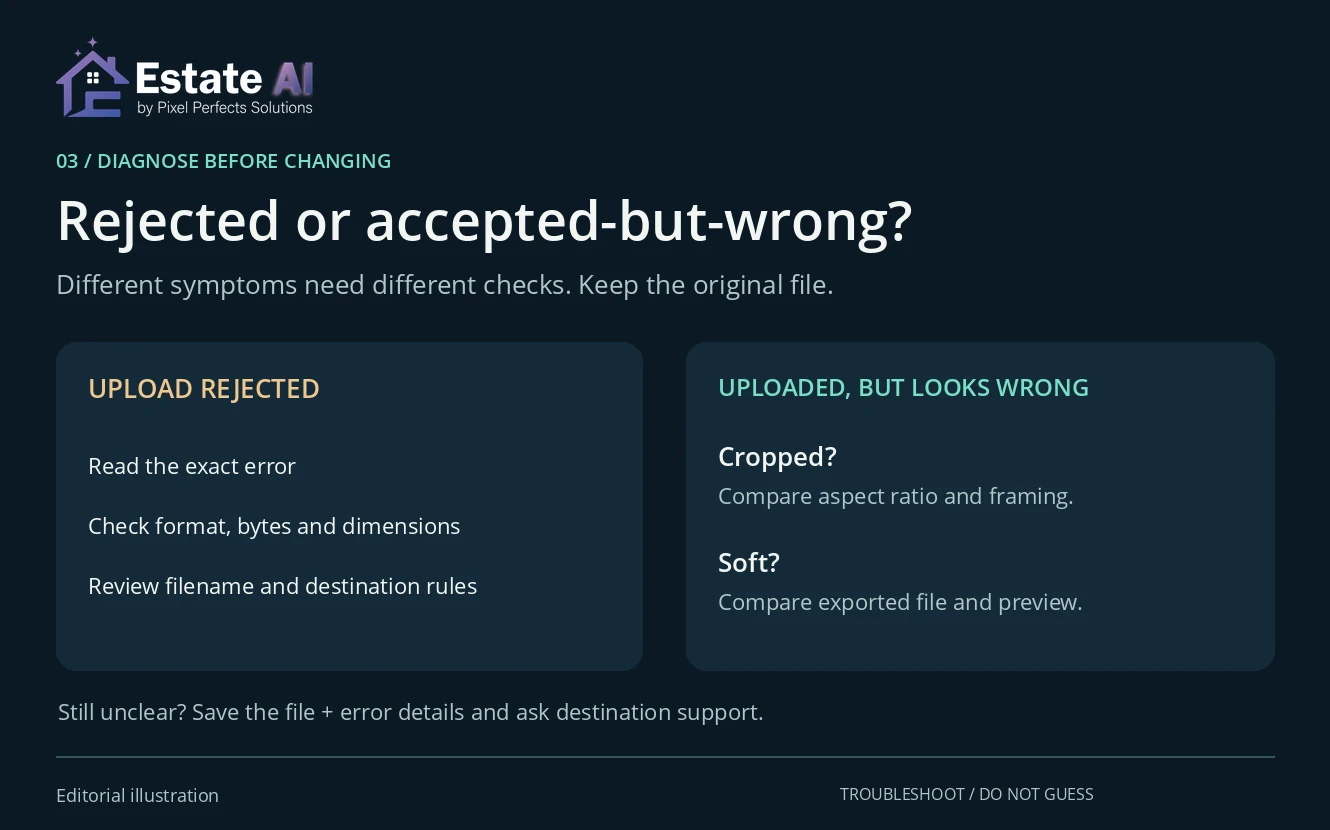
If the upload is rejected
Record the exact error. Check the accepted format, actual file size, pixel dimensions and filename against the destination instructions. Change one relevant setting at a time and retain the original export. If the instructions do not explain the failure, send the error and file details to the destination’s support team rather than guessing repeatedly.
If the upload succeeds but the image looks wrong
For a cut-off edge, compare aspect ratio and crop. For softness, compare the exported file with the destination preview and check whether the system resized or compressed it. An accepted upload does not prove that its presentation is satisfactory. Avoid regenerating a property image until you know whether the issue started in editing, export or display.
5. Make the final handoff easy to verify
Include the approved filenames, the specification card, any publication instructions and the person responsible for checking the uploaded result. Keep original and delivery files distinguishable. Record which version was approved and when, especially if several revisions have circulated.
Technical preflight should accompany, not replace, the AI photo-editing quality-control checklist. Review property accuracy first. Then use the listing-photo order guide to plan the gallery sequence.
EstateAI’s image-enhancement workflow and photographer workspace can be part of preparing and reviewing property media. Destination-specific file adjustments and publication checks remain a separate responsibility; this checklist does not imply automatic MLS export validation or guaranteed acceptance.