
Property Marketing
Real Estate Listing Photo Order: Choose Your First Five Photos
A practical guide to choosing a listing’s lead image, planning the first five photos, organizing the gallery, and checking MLS settings and public previews.
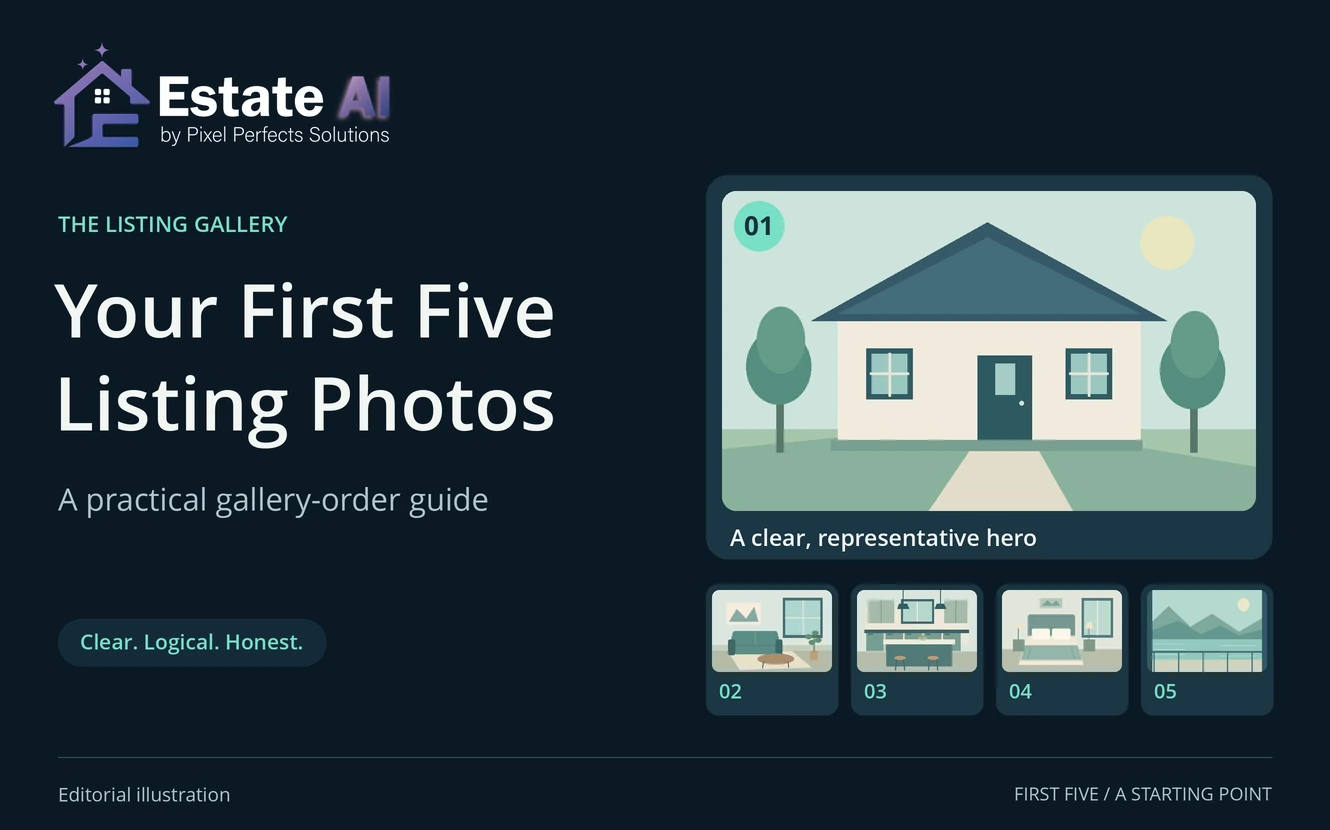
A useful real estate listing photo order helps a buyer understand what the property is, how its main spaces relate, and which features deserve a closer look. Start with a clear, accurate lead image, use the next few photographs to establish the home, then arrange the remaining rooms in a sequence that is easy to follow.
The first five photos are a manageable planning exercise for an agent and photographer. They are not a proven conversion formula or a promise about how many images every portal shows. Your local MLS requirements, the actual property, and the destination’s presentation should guide the final selection.
Before moving thumbnails, separate three decisions: which photograph is designated as the primary image, what order the gallery uses, and what a buyer actually sees after publication. A sensible selection can still be confusing if the uploaded sequence or thumbnail crop is wrong.
A practical starting order for your first five listing photos
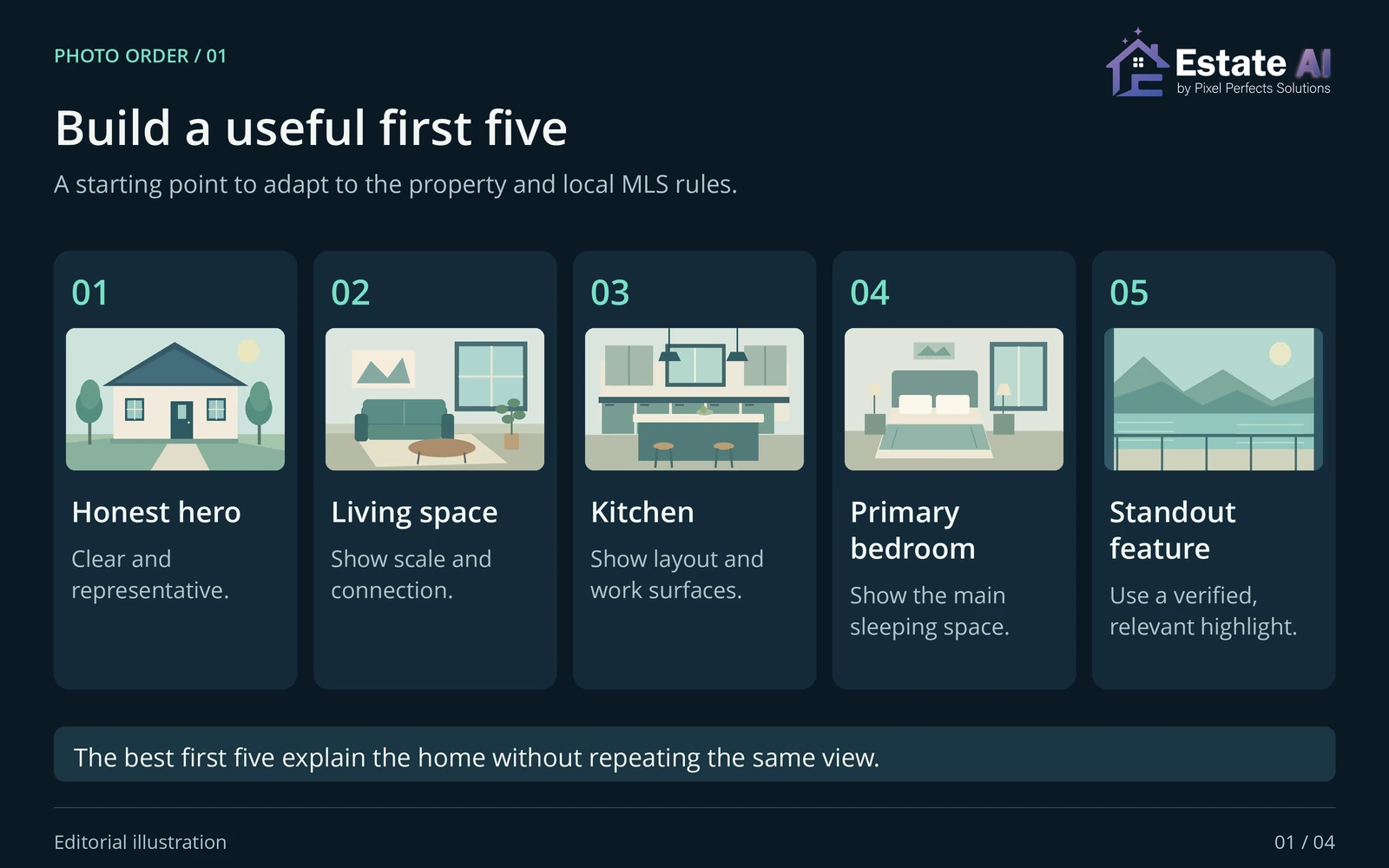
For a typical detached home, try front exterior, main living area, kitchen, primary bedroom, and a useful outdoor or distinctive feature. Adapt that starting sequence when it hides the property’s main story, repeats information, or conflicts with local rules. Give each slot a job:
- Identify the home. Choose a representative image with a clear subject.
- Add context. Show an important space or relationship that the lead image cannot explain.
- Establish daily living. Include the kitchen or another central room without repeating the previous frame.
- Answer a practical question. Show a bedroom, a relevant room connection, or another useful feature.
- Broaden the picture. Add outdoor space or a distinctive feature that belongs to this listing.
How to choose the first photo of a real estate listing
Compare real candidates before choosing a favorite
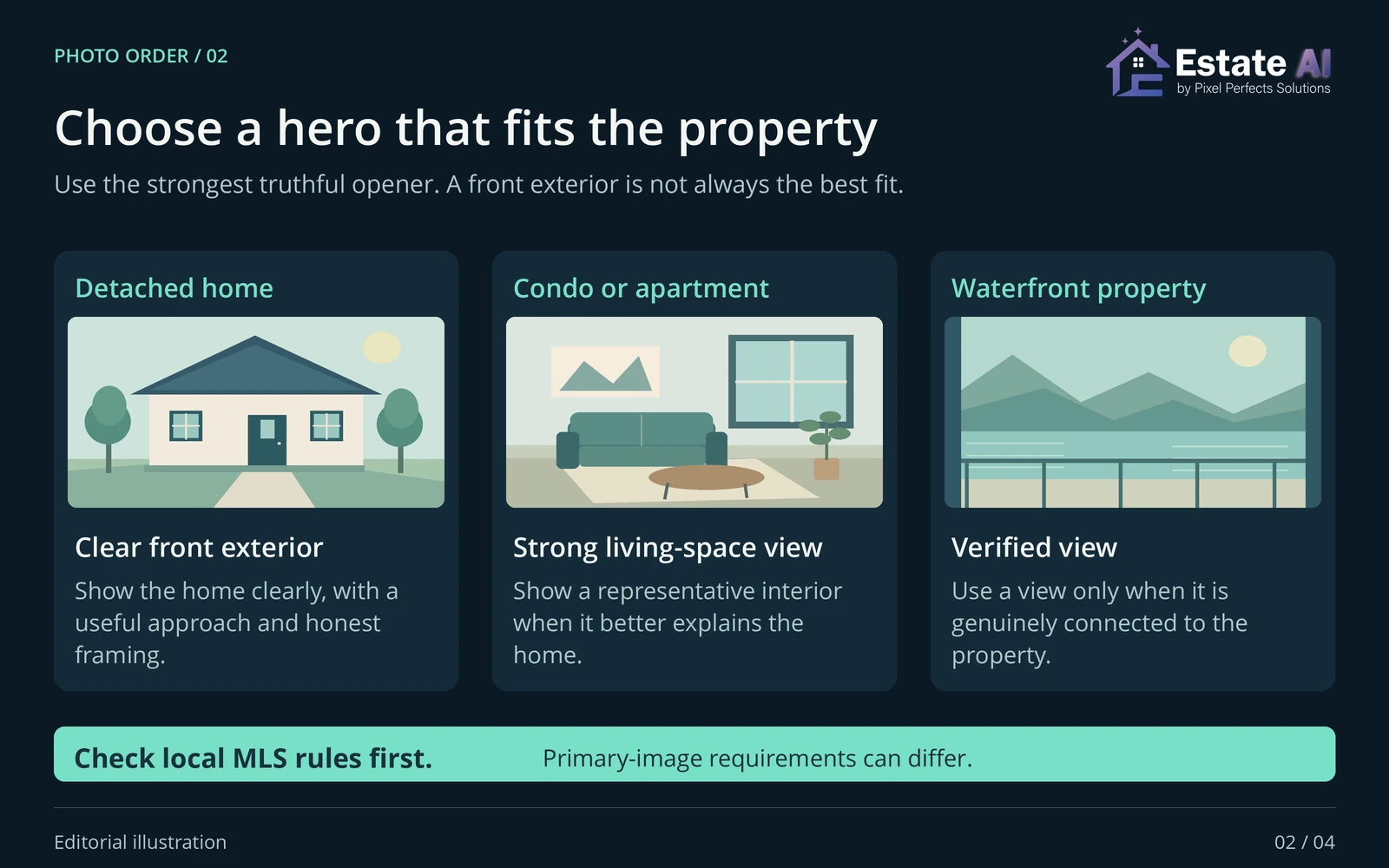
Put the strongest available exterior, interior, and distinctive-feature image side by side. First check whether each is permitted as the lead image by your MLS. Then ask whether it represents the listing clearly and truthfully. A dramatic photo is a weak introduction if the viewer cannot tell what is being offered.
Reduce each candidate to a small preview. Is the house or room still recognizable? Does the visible crop keep the feature that made you choose it? Watch for a cut-off facade, a balcony cropped out of the frame, or an interior reduced to an ambiguous patch of furniture. Inspect the actual destination preview when available; a full-resolution file alone cannot settle this.
- Can a buyer identify the subject without reading a long explanation?
- Does the image show this property, rather than a nearby attraction?
- Are shared amenities and views presented with clear context?
- Will the second image explain something useful that the first leaves out?
Adapt the lead to the property
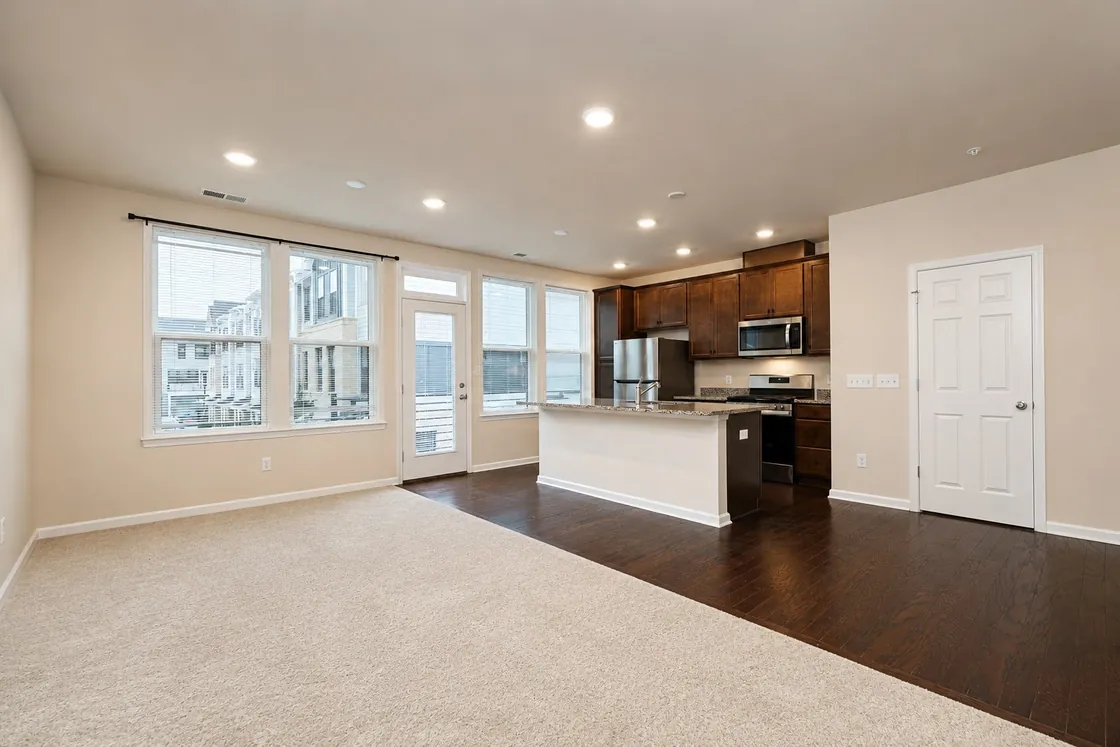
A front exterior is a useful candidate for many detached homes. For a condo, a representative living space may explain more than a nearly identical building facade, where local requirements permit that choice. For a home with a distinctive yard or view, consider how to establish its connection to the home rather than leading with an isolated feature that could mislead.
Treat these as editorial examples, not case studies. A community pool should be clearly identified as shared; a neighborhood landmark should not look like part of the parcel. If an image needs a caption to prevent a mistaken impression, check how that caption appears on the destination before relying on it.
Organize the rest of the gallery as a clear walkthrough
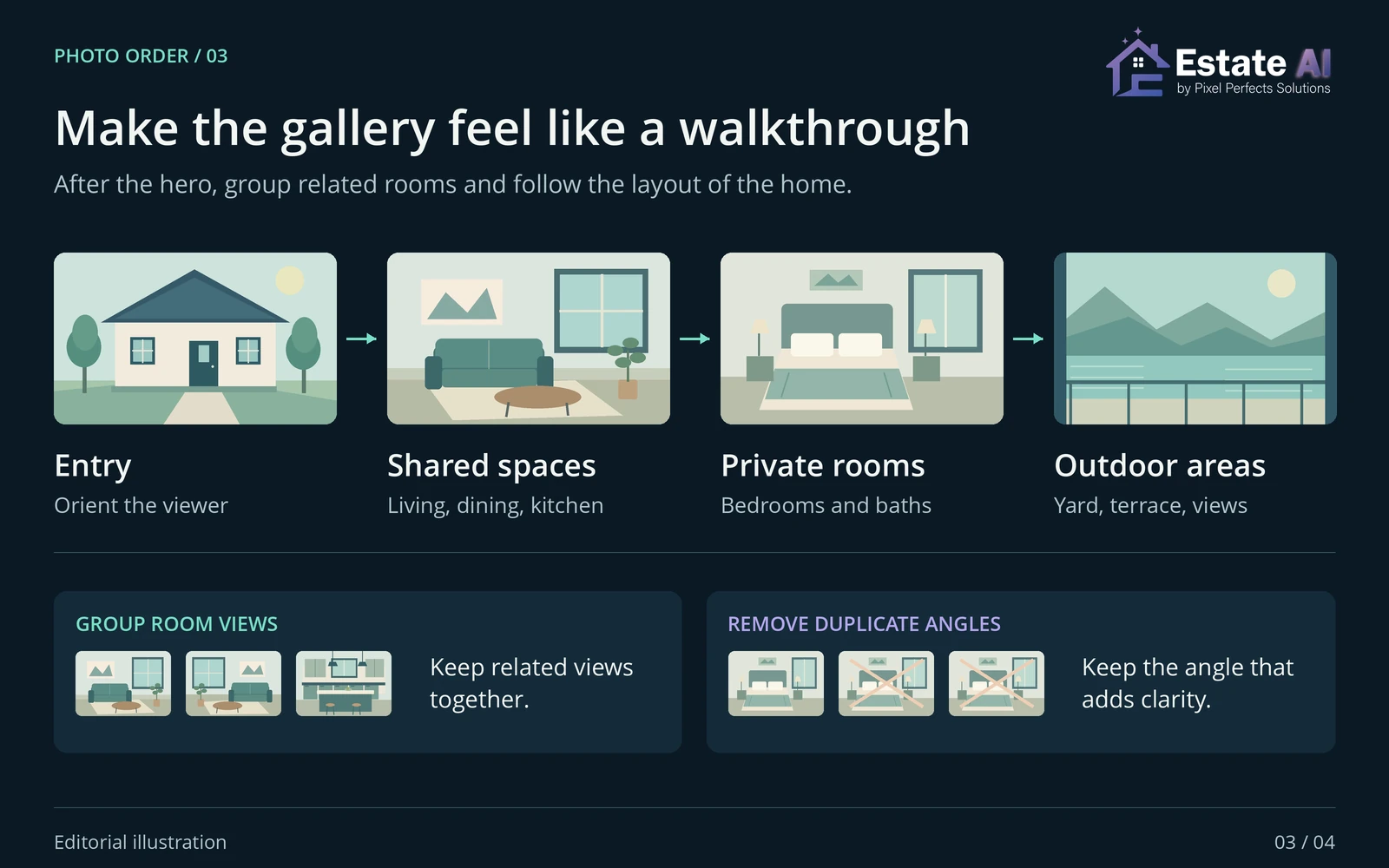
After the opening selection, keep related spaces together. Show enough of a living room to explain it, then move on. A second angle is useful when it reveals a doorway, a connection to the dining area, or another feature the first angle misses. Five nearly identical angles can obscure useful information elsewhere in the gallery.
Use the home’s actual layout as your guide without implying connections that the photographs do not establish. Keep room labels consistent across captions and the listing description. Distinguish bedrooms clearly, and identify which bathroom or outdoor area a photograph shows when the relationship would otherwise be ambiguous.
Keep useful supporting spaces
Laundry, storage, parking, access, and secondary rooms can answer practical questions. Give them an appropriate place rather than discarding them solely because they are less dramatic. Include enough exterior context to explain the home and setting. Add floor plans through the destination’s supported media fields where applicable, following its upload requirements.
Preserve the original shoot and make a separate approved selection. A short handoff list with filenames, intended positions, captions, and the nominated primary image is easier to review than an instruction such as “use the best ones.” Ask the listing agent to approve that selection before upload, especially if several people are handling the media.
Check primary-image settings and gallery order separately
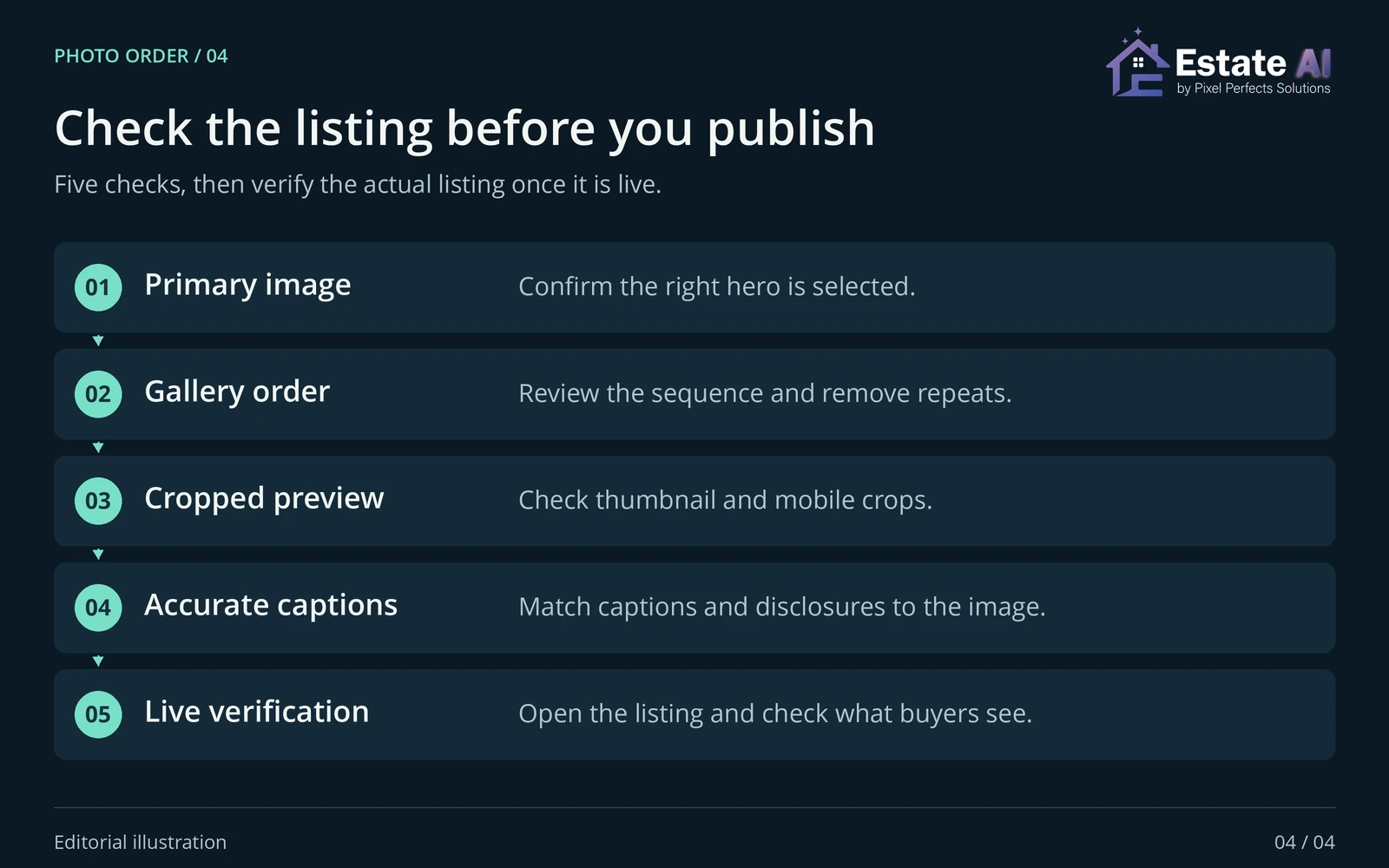
In Flexmls, the primary photo is designated with a flag control. Its separate photo-order controls let users drag photographs or choose a numbered position. These are two checks to make in that system. Use your own MLS documentation if your interface works differently.
- Primary image: Is the intended lead explicitly selected?
- Sequence: Do the numbered images match the approved handoff?
- Completeness: Are any images missing, duplicated, or left as blank placeholders?
- Context: Are captions and any required image disclosures attached correctly?
Plan the upload before activation rather than making repeated changes in quick succession. SDMLS’s published photo guidance, for example, recommends setting the order before activating a listing and warns that rapid changes can cause synchronization issues. That is guidance for its workflow; follow your own MLS or provider’s instructions about update timing.
Once the listing is public, inspect the buyer-facing page. Check the lead image, opening sequence, thumbnail crop, room context, and image labels. Where the listing is distributed to additional destinations, inspect those versions too. Do not assume a correct source screen establishes that every downstream display is already correct.
If the public order differs, record the intended sequence, the affected destination, and when you saved the change. Check the provider’s documented refresh process before making another edit. A deliberate verification step is more useful than repeatedly rearranging the same files while a feed may still be updating.
Prepare the selected photographs in EstateAI
Make the editorial selection first, then address photographic issues in the chosen files. EstateAI Image Enhancement is designed for exposure, white-balance, color, dynamic-range, detail, and clarity improvements. Review each output against its source before adding it to the approved gallery; the final image still needs to represent the photographed property accurately.
The EstateAI property-media workflow supports organizing photos, reviewing connected versions, selecting favorites, and downloading chosen files. Use those steps to prepare the handoff, then set the primary image and gallery order in the destination where you publish. EstateAI’s media preparation does not replace the agent’s final selection or the MLS’s controls.
Before delivery, use the real estate photo-editing quality control checklist for a separate image review. The finished package should have a clear lead, a coherent sequence, accurate context, and a verified public presentation. That gives the next person in the workflow a concrete set of files and instructions to work from.
Prepared by the EstateAI Editorial Team. Platform documentation reviewed October 20, 2026. The sequences and diagrams are editorial illustrations, not customer case studies or measured performance results. Check current local MLS and destination requirements before publishing listing media.